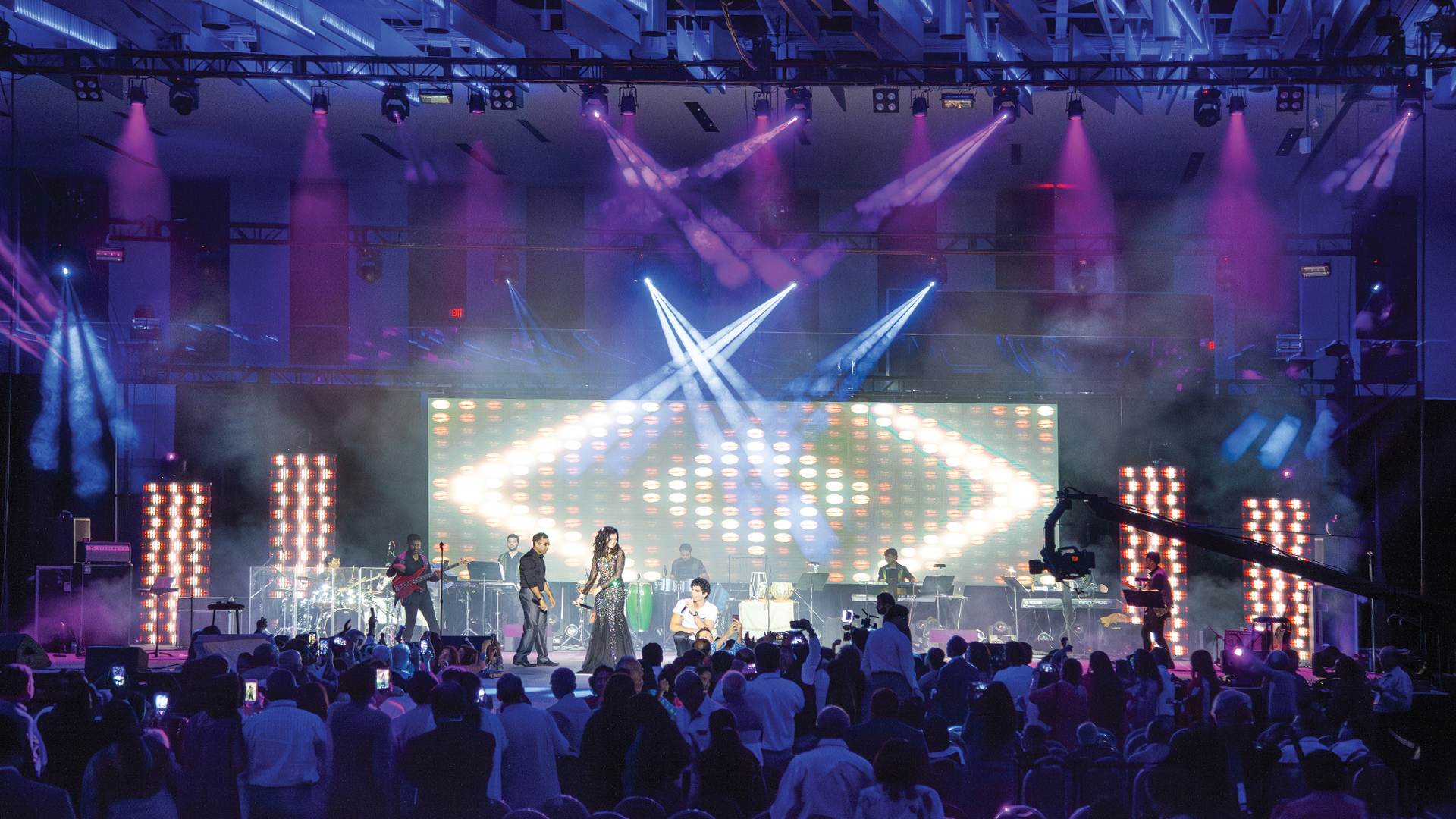
The moment that a multi-camera broadcast production achieves true visual consistency — when the cut between camera one and camera three is invisible because both cameras read the same color temperature, the same exposure, the same black level, the same contrast — is the moment the viewer stops being aware of the cameras and starts being absorbed by the content. Camera shading, the art and craft of continuously adjusting camera parameters to maintain a matched, broadcast-quality image across multiple cameras, is one of the most technically demanding and underappreciated skills in live video production.
The Origins of Camera Shading
Camera shading as a profession emerged alongside multi-camera television production in the early 1950s. Early vidicon tube cameras — the dominant broadcast camera technology through the 1960s and 1970s — had significant sensitivity variation between tubes, required regular burn-in management to prevent image retention, and were highly sensitive to scene luminance changes. The shader, or video control operator, managed these characteristics in real time from a remote control panel adjacent to the vision mixer, adjusting individual cameras to maintain a matched look across the multi-camera program feed.
The transition to CCD and later CMOS sensor technology in the 1980s and 1990s dramatically reduced some of the worst variability characteristics of tube cameras, but introduced new shading challenges: CCD sensitivity variations, color filter array non-uniformities, and the increased influence of signal processing parameters (knee, gamma, detail enhancement) on the final image character. Modern 4K broadcast cameras from Sony, Grass Valley, and Hitachi have better out-of-box matching than any previous camera technology, but still require skilled shading for broadcast-quality multi-camera production.
The Physical Setup for Camera Shading
Camera shading in multi-camera production is done from a remote control panel (RCP) or from within the camera control unit (CCU) software interface. Each camera in the system has a corresponding CCU — typically rack-mounted in the production control room — that provides signal processing, power, and remote control capability. The shader operates either from manufacturer-specific RCP hardware (Sony RCP-1500, Grass Valley KRP-1116) or from software-based remote control applications.
In large broadcast productions, the shader has simultaneous access to waveform monitors and vectorscopes for every camera — typically displayed in a multi-image display configuration using systems like the Videotek TSM-6600 or Leader LV5600. These instruments provide objective measurement of luminance levels, color gamut, and signal characteristics that allow shading decisions to be made on quantitative grounds rather than subjective visual impression.
The Core Parameters of Camera Shading
The primary parameters a shader manages across cameras are: iris (exposure control, adjusted to match output levels across cameras facing different lighting conditions), black level (the luminance value at which the camera defines absolute black, measured and matched on the waveform monitor), white balance (the color temperature calibration of each camera, adjusted to maintain consistent color reproduction under the mixed lighting typical of large-stage environments), gamma (the tonal response curve of the camera, adjusted to produce consistent contrast and midtone reproduction), and knee (the shoulder compression applied to highlights to prevent clipping in bright scene areas).
In modern HDR (High Dynamic Range) production using PQ or HLG transfer functions, shading adds additional complexity: the knee and gamma settings interact differently than in SDR (Standard Dynamic Range) production, and the extended luminance range means that errors in highlight management are amplified. HDR shading requires a shader with specific HDR workflow experience and access to appropriate HDR-capable monitoring infrastructure.
Maintaining Consistency With Moving Cameras
The most challenging shading scenario is a production that uses both static cameras on fixed positions and moving cameras — handheld, jib, or robotic — that traverse different areas of the stage environment with different lighting conditions. As a handheld camera moves from a brightly lit downstage area to a darker upstage position, the shader must anticipate and compensate for the iris change required to maintain exposure — ideally ahead of the move rather than chasing the exposure after it changes.
Communication between the shader and the camera operators is essential in these situations. Operators call their moves to the shader over production intercom: “Camera three going upstage on the walk-and-talk” — giving the shader time to pre-shade the camera before the move completes. On larger productions, the director of photography or camera supervisor coordinates camera moves specifically with shading in mind, designing shot sequences that minimize sudden exposure transitions.
Automated Shading Tools and Their Limits
Camera manufacturers have increasingly integrated automatic shading assistance tools into their CCU software. Sony’s Auto Black Balance and Grass Valley’s Camera Match features can compare camera outputs and suggest or apply corrections to achieve a closer initial match between cameras. These tools are useful as a starting point — particularly for reducing the time required to achieve a basic match across a large camera complement — but they do not replace skilled manual shading.
The limitation of automated tools is that they optimize for a mathematical match that may not correspond to the artistic intent of the production. A shader who knows the lighting design — who understands that camera five is intended to feel cooler than camera two because it’s covering an area deliberately lit at a different color temperature — can make shading decisions that serve the production’s visual language. An automated system makes its best guess about what “matched” means without contextual understanding
The Camera Shading Workflow During a Live Event
During a live event, the shader operates in a continuous monitoring and adjustment cycle: scanning each camera’s output on the multi-view, checking against the waveform and vectorscope reference, making small compensating adjustments, then scanning again. On a ten-camera production, this cycle runs approximately every 30–60 seconds per camera — meaning the shader is never static, always in motion across the control panel. Muscle memory and the ability to make fine adjustments without looking at the hands — developed through hundreds of hours of production work — are as important as technical knowledge in this role.
