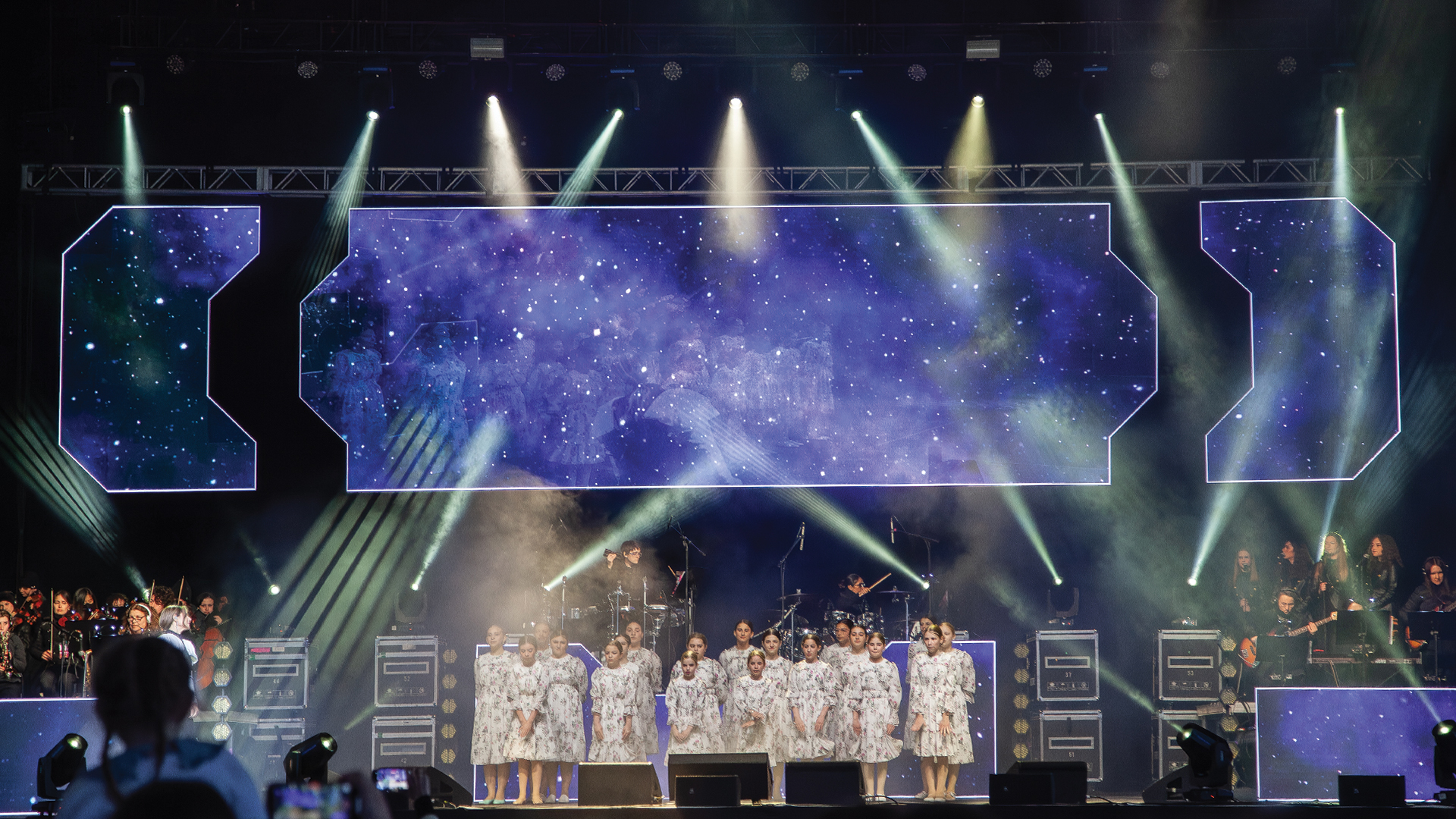
The cue-to-cue technical rehearsal represents theater’s moment of truth—when meticulously programmed lighting sequences meet physical fixtures for the first time. In theory, pressing GO on the lighting console should trigger perfectly synchronized responses from every fixture in the rig. In practice, spotlights have demonstrated a remarkable capacity for selective hearing, responding to some cues with precision while ignoring others completely. These moments of automated insubordination have shaped careers, tested relationships, and generated troubleshooting techniques that define professional lighting programming.
The Anatomy of Cue Ignorance
When a fixture ignores a cue, the failure can occur at numerous points in the signal chain. The console might not be sending the expected data—perhaps the cue was programmed incorrectly, or tracking behavior brought unexpected values forward from previous cues. The DMX distribution might be dropping data—a cable fault, an overloaded universe, or a node misconfiguration. The fixture itself might receive correct data but interpret it unexpectedly—firmware differences, mode mismatches, or parameter mappings that don’t match the programmer’s assumptions.
The ETC Eos family consoles use a tracking paradigm where values persist across cues until explicitly changed. A programmer who blocks a cue—recording all values rather than just changes—might inadvertently capture fixture states from the previous cue, causing fixtures to behave identically in both cues despite different intentions. The console executed the cue precisely as programmed; the programming simply didn’t match the designer’s mental model of what should happen.
DMX Universe Politics
The DMX512 protocol that carries lighting control data has fundamental limitations that contribute to cue failures. Each universe contains 512 control channels, updated approximately 44 times per second. Modern intelligent fixtures require dozens of channels each—a Martin MAC Ultra Performance in its most comprehensive mode consumes 62 DMX channels. A universe might accommodate only eight such fixtures, and those fixtures share the bandwidth that determines update timing.
When consoles output multiple universes simultaneously, distribution infrastructure becomes critical. A Luminex Ethernet-DMX node receiving Art-Net data must convert network packets to traditional DMX output for each connected universe. Network congestion, node processing delays, or configuration errors can cause specific universes to lag behind others. The result: fixtures on some universes respond immediately to cues while fixtures on other universes seem to hesitate—or ignore the cue entirely if the delay exceeds the fixture’s processing window.
Fixture Firmware Feuds
Fixture firmware determines how devices interpret incoming DMX data. A Robe T1 Profile running firmware version 1.2 might respond to color parameters differently than the same model running version 1.8. When rental inventory combines fixtures with mixed firmware versions, cues that work perfectly on some fixtures fail unpredictably on others. The console sends identical data to identical addresses; the fixtures interpret that data according to their individual firmware installations.
Major manufacturers like Vari-Lite, Clay Paky, and Elation Professional release firmware updates to fix bugs and add features. These updates sometimes introduce new behaviors that affect existing programming. A show file created when all fixtures ran firmware 2.0 might produce different results when those fixtures update to version 2.3. The fixtures aren’t ignoring cues—they’re responding correctly to data that no longer produces expected results under their updated processing.
Personality Conflicts
The fixture personality files that tell consoles how to control specific fixtures must match actual fixture configuration. A Chauvet Professional Maverick MK3 Wash operating in “Standard” mode responds to different DMX values than the same fixture in “Basic” mode. If the console personality assumes Standard mode while the physical fixture is configured for Basic, parameters will map incorrectly. The fixture appears to ignore pan/tilt cues that are actually attempting to control color parameters, while color commands affect position channels unexpectedly.
Console manufacturers maintain extensive fixture libraries—the grandMA3 fixture library includes thousands of profiles for industry fixtures. These profiles require ongoing maintenance as manufacturers update fixture modes and capabilities. A profile created for a fixture’s original release might not include channels added in later firmware versions. The console controls everything it knows about; the fixture’s additional capabilities remain untouched, creating the appearance of ignored cues when those cues attempt to access unrecognized parameters.
Timing and Synchronization Sabotage
Timecode synchronization enables lighting cues to trigger automatically from audio or video timestamps. When SMPTE timecode or MIDI timecode drives cue execution, any disruption in the timecode stream affects lighting behavior. A dropout in timecode—caused by cable faults, clock drift, or source interruption—might cause the console to miss cues entirely or execute them at unexpected moments.
The Hog 4 console offers sophisticated timecode chasing with configurable behavior when timecode discontinuities occur. Some productions configure the console to “freewheel”—continue executing cues at expected intervals when timecode stops—while others configure hard stops that hold the current state until timecode resumes. A timecode dropout during a critical sequence might leave fixtures frozen in mid-transition, appearing to ignore all subsequent cues while the console waits for synchronization to restore.
The Human Element
The most common source of cue-ignoring fixtures remains human error in programming or operation. A programmer who accidentally selects the wrong fixtures when recording a cue creates programming that legitimately doesn’t include the intended fixtures. When that cue executes, the excluded fixtures do nothing—not because they’re malfunctioning, but because the cue never contained instructions for them. The lighting designer sees fixtures ignoring cues; the console sees cues executing exactly as programmed.
Operator errors during live execution create similar effects. The stage manager who calls cues must communicate with the lighting operator, who must execute the correct action on the console. A miscommunication—”GO” called when the operator wasn’t ready, or the wrong cue list selected for the current moment—produces lighting behavior that seems random from the audience perspective. The spotlights aren’t ignoring their cues; they’re following cues that shouldn’t be executing at this moment.
Network Topology Troubles
Modern lighting networks distribute control data across complex infrastructure. A production using sACN (streaming ACN) protocol might route universe data through multiple network switches, wireless access points, and protocol conversion nodes. Each hop introduces potential for data loss or delay. A switch dropping multicast packets under heavy load might deliver complete data to some fixtures while starving others—the fixtures receiving complete data respond to cues normally while starved fixtures appear unresponsive.
The Pathway Connectivity Pathport nodes that translate network protocols to DMX output require proper IP configuration, universe assignment, and priority settings. A node configured for the wrong multicast address receives no data and its connected fixtures remain dark. The console shows successful output; the fixtures show nothing because the network path never reaches them. From the operator’s perspective, the fixtures are ignoring all cues when actually they’re receiving none.
Diagnostic Approaches
Professional lighting programmers develop systematic approaches to diagnosing cue-ignoring behavior. Begin at the console: verify that the cue contains expected data for the problem fixtures. The grandMA2 and grandMA3 tracking sheet displays values recorded in each cue, distinguishing between tracked and hard values. If the cue doesn’t contain instructions for specific fixtures, the problem originates in programming rather than delivery.
Move to output verification: confirm that the console is sending data on expected universes. Most professional consoles include DMX output monitoring that displays actual channel values being transmitted. If the console shows correct output, the problem lies downstream in distribution or at the fixtures themselves. Tools like the RatPac DMXter4 can test DMX lines directly, isolating whether data arrives at fixture locations.
At the fixture level, most intelligent fixtures include onboard DMX displays showing received values. A Vari-Lite VL6000 Beam can display its current DMX input channel-by-channel, enabling verification of what data actually reaches the fixture versus what the console intends to send. When displayed values match console output but fixture behavior doesn’t match expected results, the problem likely involves personality mismatches or firmware interpretation.
Prevention Through Process
Preventing cue-ignoring behavior starts with systematic pre-production verification. Confirm fixture modes match console personalities before programming begins. Verify DMX addressing against documented plots. Test every fixture’s response to basic commands—intensity, color, position—before attempting complex cue construction. These simple verifications catch configuration errors that would otherwise manifest as mysterious cue failures during technical rehearsals.
Document everything. Maintain records of fixture firmware versions, console software versions, and network configurations. When problems occur, this documentation enables comparison against known-working states. The production electrician who records that fixture seventeen was updated from firmware 2.1 to 2.3 before problems began has valuable diagnostic information that would otherwise be invisible.
Build redundancy into critical moments. If a single follow spot must hit an actor for a crucial entrance, ensure backup coverage exists. Program emergency cues that can restore basic lighting states if primary programming fails. The production that assumes perfect cue execution invites disaster; the production that plans for equipment misbehavior survives when those plans prove necessary.
Acceptance and Adaptation
Spotlights that ignore cues are communicating system state through their inaction. Rather than cursing unresponsive fixtures, professional lighting technicians treat these moments as diagnostic information. Somewhere in the chain from artistic intent to physical output, a disconnect exists. Finding that disconnect requires methodical investigation rather than frustrated repetition of failed commands.
The best lighting programmers develop intuition for likely failure points in their systems. They learn the quirks of their preferred consoles, the common misconfiguration patterns for frequently-used fixtures, and the network topology issues that cause intermittent problems. This expertise transforms apparently random cue failures into recognizable patterns with established solutions. In professional lighting, fixtures never truly ignore cues—they respond precisely to their actual situation, even when that situation differs from operator expectations.
